Navigating ConcordLink’s Main Features
The structure of ConcordLink
ConcordLink is highly configurable, so there are often multiple ways to access the same information. Many features are accessed through dropdown menus and by selecting an obligor or product. The platform is organized in the following hierarchy:
Servicer → Clients → Products → Obligations → Ledgers → Journals
Obligors (borrowers, co-signers, and trustees) are linked to obligations within this structure.
Main pages
The two main navigation areas are the home page and the accounts page. Two additional key pages are the obligor account page and the obligations page.
Home page
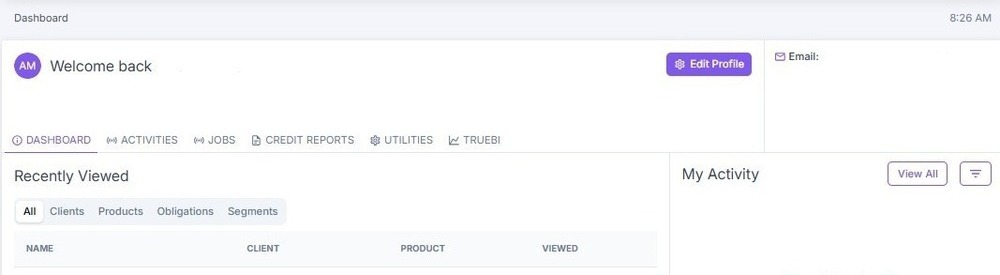
The home dashboard displays a personal profile overview consisting of recently viewed information, activities, jobs, credit reports, utilities, and TrueBI.
Clients page
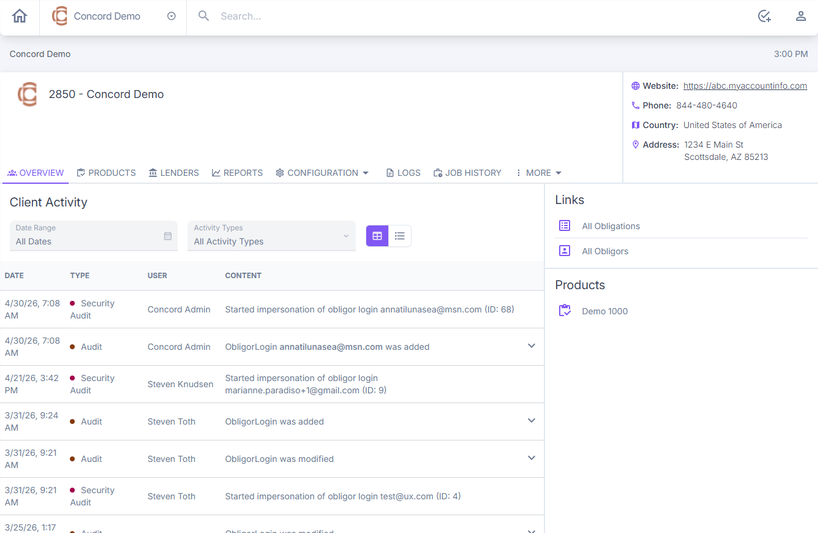
The Clients page provides access to an overview, products, treasury, lenders, reports, configuration, users, and additional options under More.
Obligations page
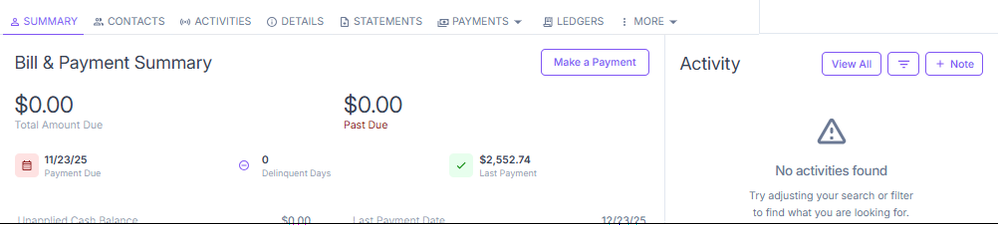
This page displays all details and management options for an individual borrower account. At the top of the page, you can see the account number, the primary obligor's contact information, and key account identifiers on the right panel, including the client, product, project, and lender.
The account's current status appears alongside the Actions menu, which provides quick access to account-level actions. A navigation bar provides access to all account management tabs: Summary, Contacts, Activities, Details, Statements, Payments, Ledgers, and More.
Obligor account page
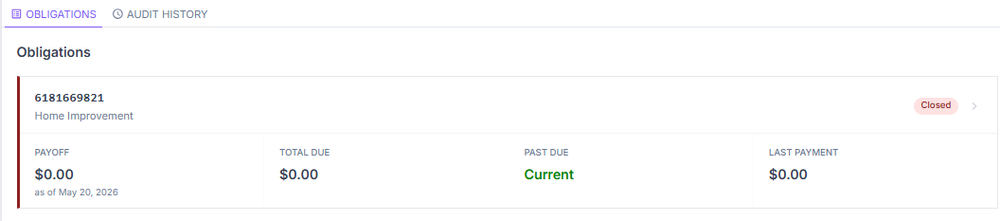
This page includes the obligor's personal information, their associated obligations, and an audit history.