Client Homepage
Background
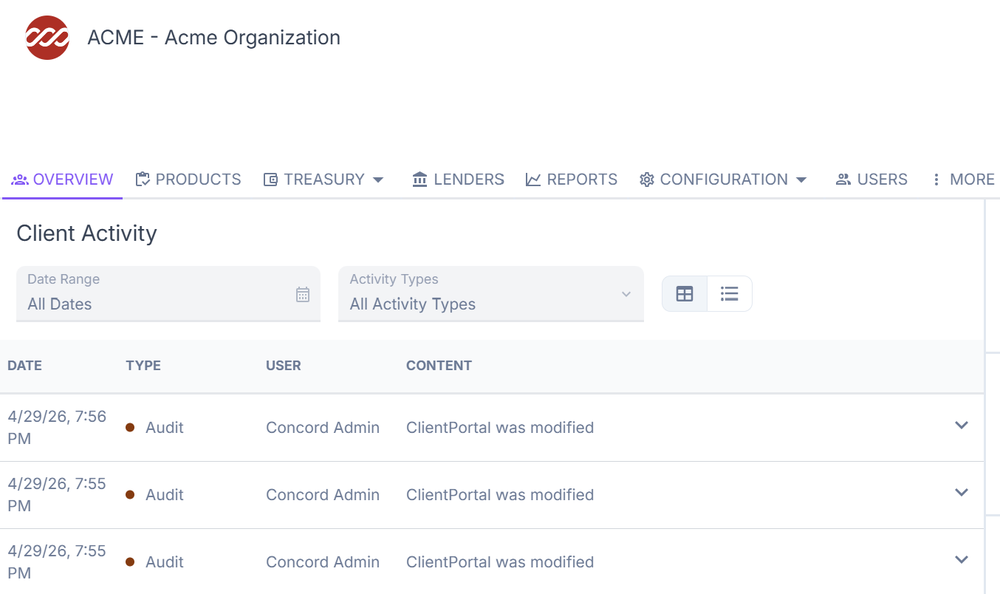
When you log into the company homepage in ConcordLink, you land on a central hub for navigating the platform. You can quickly access products, lenders, reports, and configurations, along with a snapshot of recent activity. The homepage also provides direct shortcuts to key areas, including obligations, obligors, products, and users, so you don't need to manually search through the platform.
Right panel
The right-side panel provides quick access to links, products, and users. All obligations and obligors are listed under Links.
Overview
The Overview is the main landing page for a company within ConcordLink. It provides a centralized summary of client information, recent activity, and quick-access links to key platform areas.
Client activity
The Client Activity section displays a real-time log of all actions taken within the client's portfolio, similar to the Activities section. Each entry includes the date, type, user, and content. Select the down arrow to access additional filters for date range, activity types, and list or table view.
Products
The Products section is accessible from the client-level navigation bar. It displays all loan products configured for the client and lets authorized users manage product templates and settings.
Products table
This table displays the name of the product, product code, previous product templates, date last modified, and actions for managing the product.
Product inheritance
ConcordLink uses a product inheritance model, meaning a product can be built on top of a parent template. This structure lets you define common settings once at the template level and share them across multiple products.
Actions and filters
Each product row includes a set of action icons on the right side, including view, export, upload, import, download, restore, delete, and history. Use the Filter by name search field at the top of the table to quickly locate a specific product. The Rows per page dropdown and navigation arrows at the bottom right let you browse through larger product lists.
Treasury page
The treasury section contains financial settlement and banking information. Select the dropdown menu to access the summary, accounts, and payments pages. Changes are for authorized users only. See the Treasury Panel for more information.

Lenders
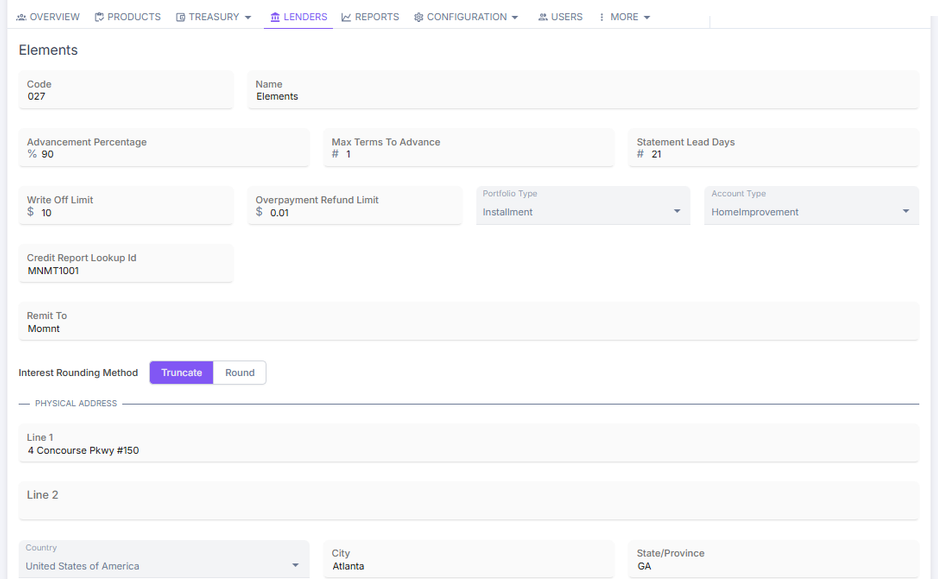
The Lenders page displays the configuration details for a specific lender associated with a client. It defines the financial rules, limits, and settings that govern how the lender's portfolio is managed within the platform. Lender settings also drive flow of funds in terms of where payments are deposited. This page is primarily useful for agents because of the lender contact information available after selecting a lender.