Treasury Panel
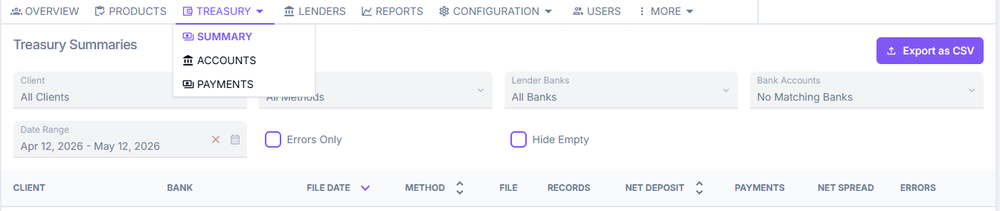
The Treasury dropdown menu in ConcordLink provides access to three sections: Summary, Accounts, and Payments. Navigate to any of these by selecting Treasury in the top navigation bar.
Summary
The Treasury Summary tab is the default view when you open the Treasury menu. It provides a high-level snapshot of payment activity across clients, banks, and payment methods, and is divided into key columns including client, bank, net deposit, and more.
Accounts
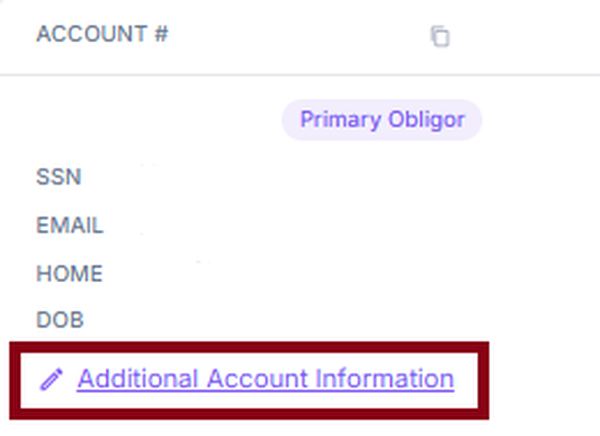
The Accounts section holds the bank account information for the organization. Authorized users can view and manage the banking relationships used for payment settlement and fund distribution. Agents with administrative permissions may add financial information here for customers.
Payments
The Payments section provides a view of all payment transactions processed across obligations. This is distinct from the payment history found on an individual obligation — it represents payment activity across the entire portfolio, giving agents, administrators, and finance teams real-time visibility into payment statuses, errors, and confirmation details.

Next: Continue to Configuration Bar for client-level configuration options.