Obligations — Statements, Payments, and Ledgers
Details
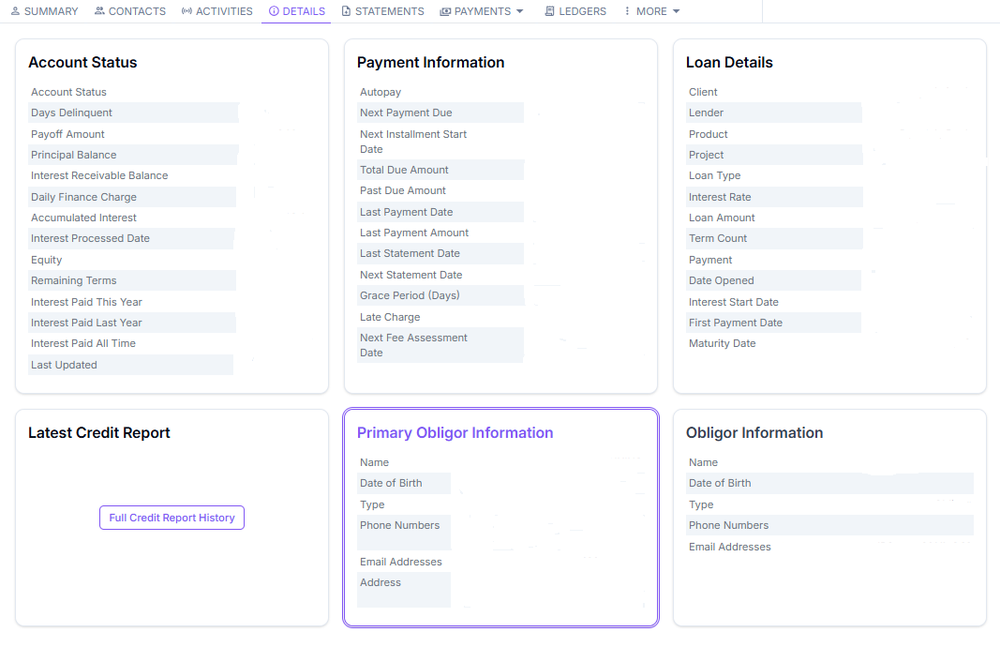
The Details tab contains detailed account-level information and configuration fields specific to the obligation. You can view loan terms, rates, and account attributes not shown in the Summary.
Statements
The Statements section provides access to all generated statements and documents for the account, including billing statements and correspondence issued to the obligor over time.
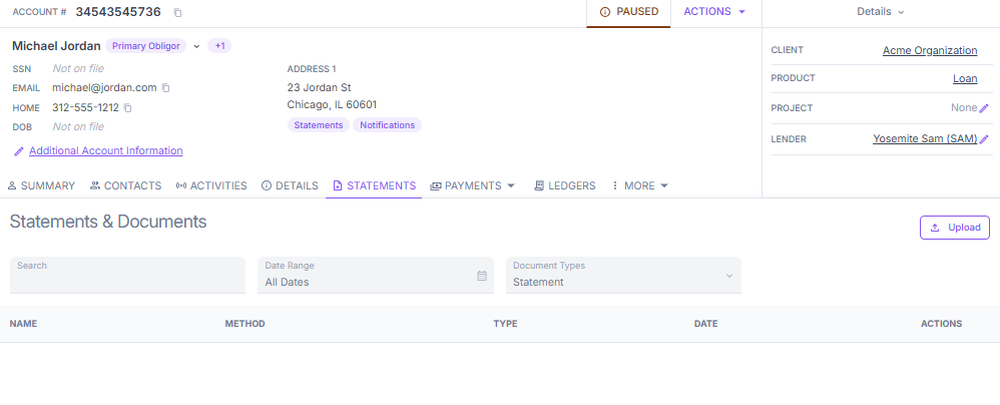
There are four types of documents issued from accounts in ConcordLink:
- Statement — a periodic summary of account activity including opening and closing balances, credits, debits, fees, interest charges, and the minimum payment due.
- Transaction — a notice confirming a specific transaction, such as a payment received or autopay setup.
- Marketing — outbound communications promoting products, services, or offers. Governed by applicable opt-out and compliance requirements.
- Collections — notices sent to customers with past-due or delinquent accounts. Must comply with FDCPA regarding timing, tone, and content.
Print status tracking
Physical mail is managed through CommFlow and Nordis. Print status indicators are:
- Ordered — ConcordLink has generated the letter
- Delivered — sent to the printer via CommFlow
- Fulfilled — printed and mailed by Nordis
If an obligor reports not receiving a document, confirm the print status and verify that the account status does not restrict statement generation.
Uploading documents
Two documents commonly uploaded in the Statements section are the debt certificate and proof of payment. A debt certificate is written proof that one party owes money to another. A proof of payment confirms that a financial transaction has been completed.
Payments menu
The Payments dropdown covers all payment-related functions, including account history, payments, making a payment, autopay, and payment methods.
Account history
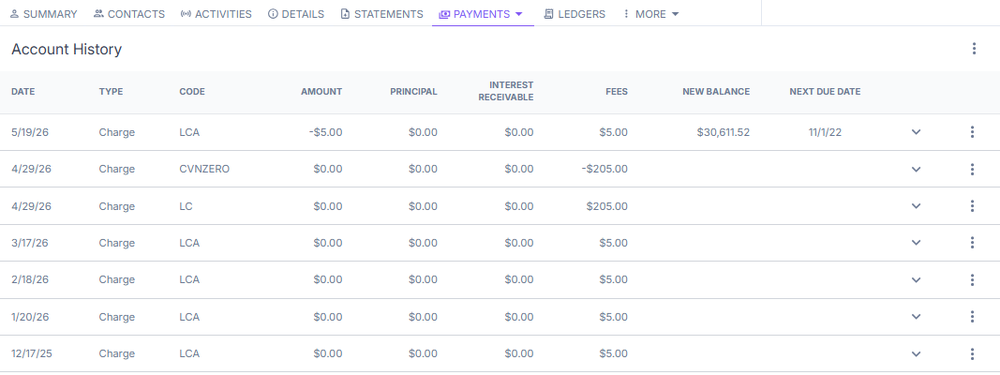
The Account History tab shows all past charges, amounts, interest, fees, new balances, and due dates.
Make a payment
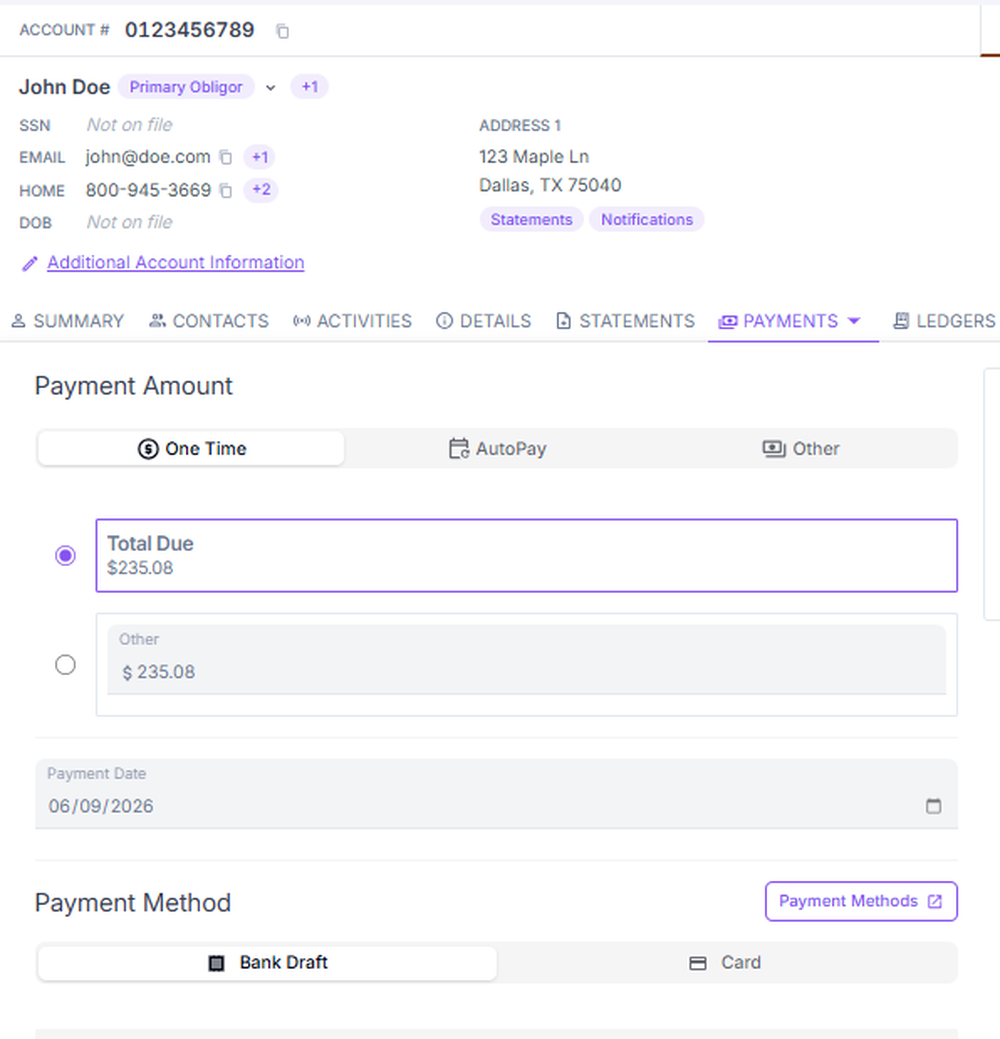
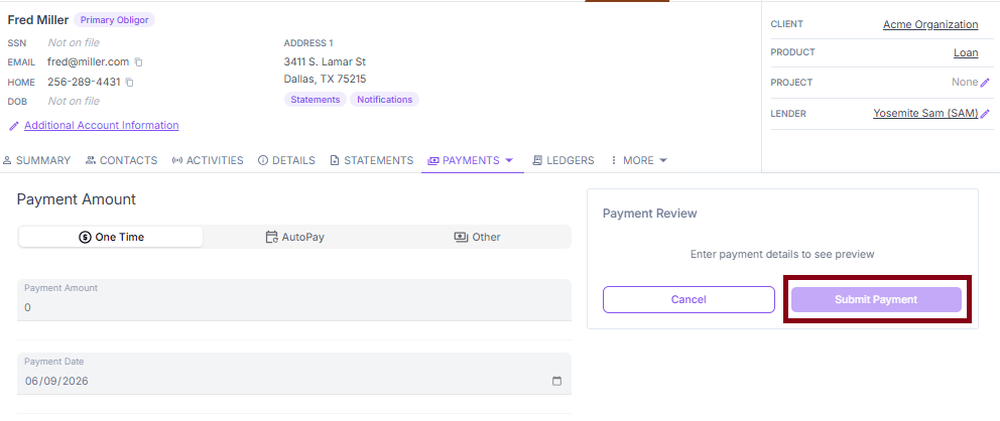
This section manages payment actions. You can make one-time payments, set up autopay, and change the payment method.
Autopay
This section lets you or the customer add and manage an autopay method.

Payment methods
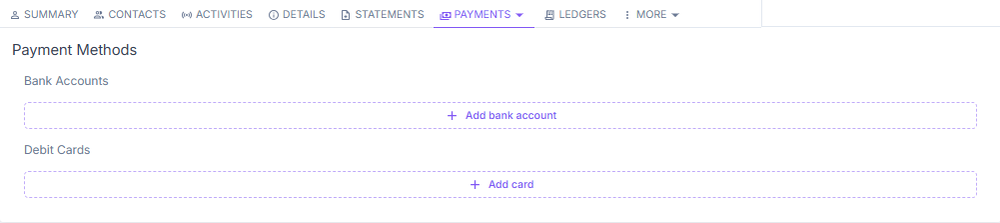
This section lets you or the customer add a bank account or debit card for use in payments.
Ledgers
The Ledgers section gives you a detailed, chronological breakdown of all financial activity on an account, including individual installment payments, due dates, and running balance totals. Past-due payments and delinquent installments are highlighted in red. Use the left panel to filter the ledger by installment, principal, interest receivable, or fees.
For Utility product accounts, additional ledger types appear in the left panel: Unapplied Cash (110), Usage Charges (510), Fees (530), and Meter Readings (800).
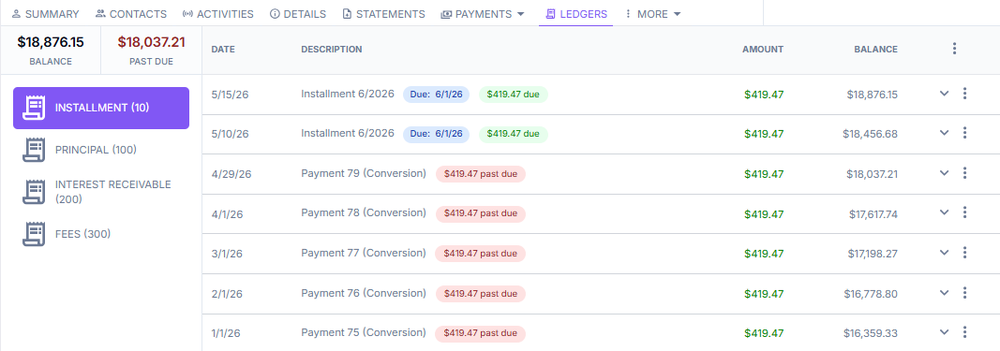
Expand an installment record by selecting the caret to see its due date and applied amounts.
Interest receivable ledger
ConcordLink uses a specialized ledger to track interest that has been calculated but not yet satisfied. Rather than posting interest accruals daily, the system calculates interest on-demand, supporting many different interest types.
More menu
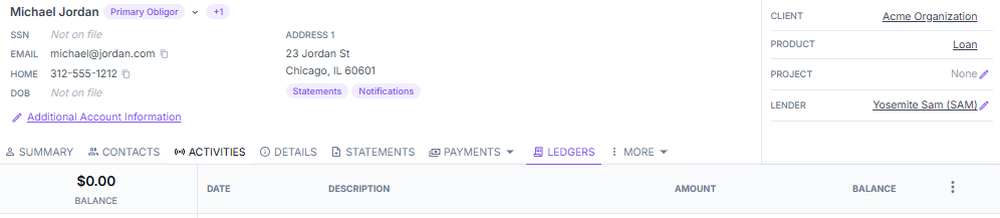
The More menu contains additional advanced or less frequently used sections, including data fields, workflows, credit report history, audit history, and other options.
Related Obligations
The Related Obligations section displays any obligations linked to this account. When no related obligations exist, the section displays "No related obligations."
Next: Continue to Obligors for details on obligor account management.