Obligors
The Obligors page displays the account page for an individual obligor, including personal details, contact information, associated obligations, and audit history.
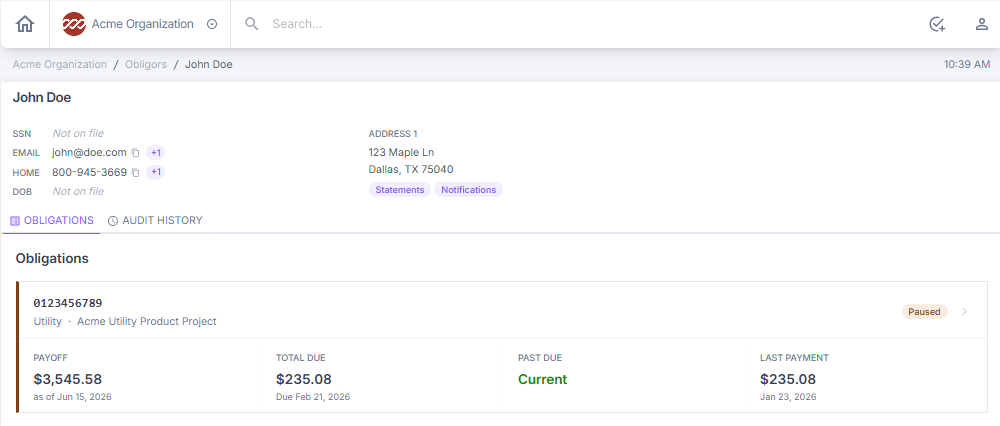
Obligor personal details and contact information
At the top of the obligor account page, you can find the obligor's name, Social Security number (SSN), mailing and physical address, email address, phone number, and date of birth.
Always review and verify obligor contact information to ensure it is current. This information affects statement delivery, payment notifications, and borrower communications.
Obligor account page tabs
The obligor account page has two tabs: Obligations and Audit History.
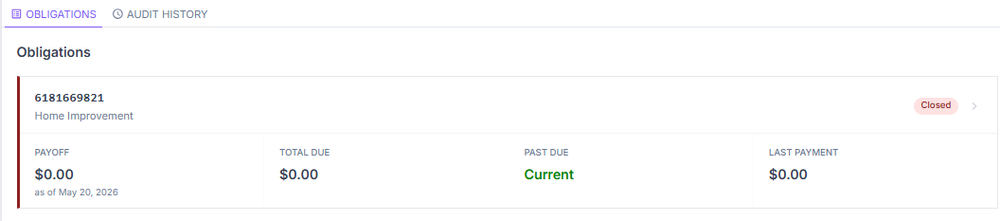
Obligations
This section lists all obligations associated with the obligor. Select an obligation to navigate to the full obligation record. See Obligations for further information on navigating an obligation.
Audit history
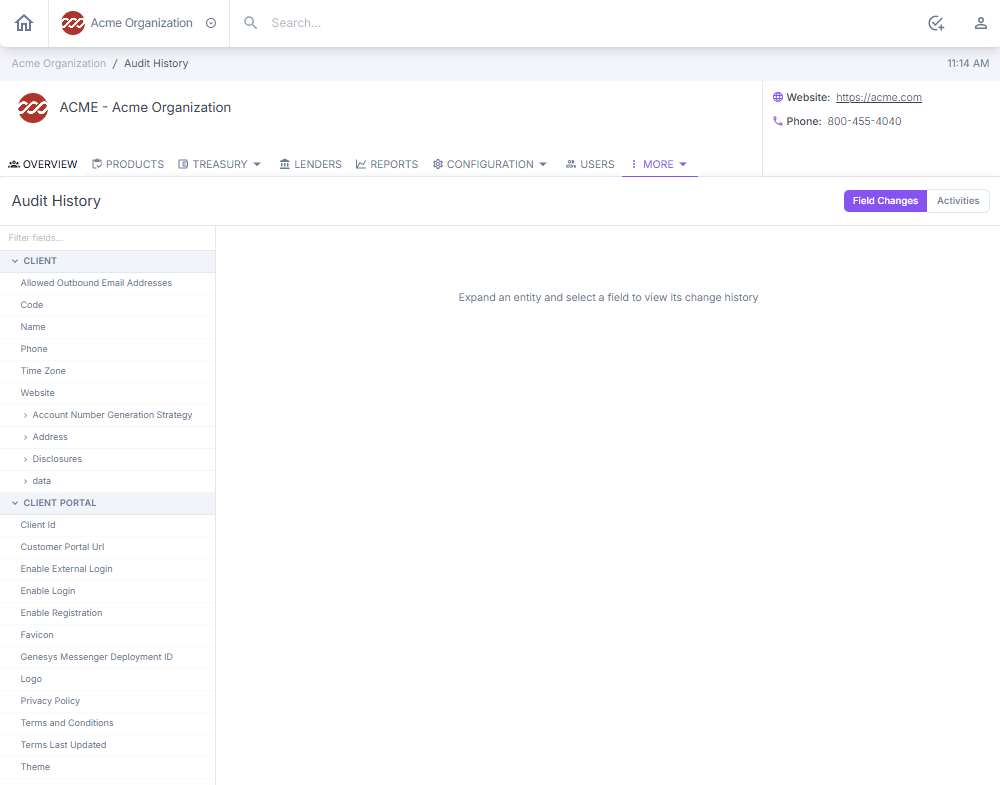
The Audit History tab shows a record of all field-level changes relevant to the obligor. See Audit Trails for further information on the audit history function.
Next: Continue to Tasks and Actions for Specific Users for role-based workflows and procedures.